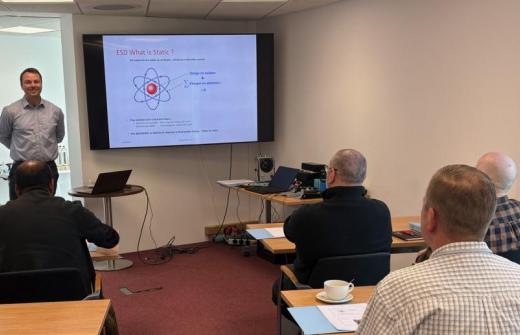
Join this practical 90-minute Microsoft Outlook with Copilot training course delivered either face-to-face or online. Through guided demonstrations and hands-on activities, delegates will learn how to manage calendars more effectively, schedule and coordinate meetings, share calendars and improve workplace collaboration using Microsoft Outlook, Microsoft Teams and Microsoft Copilot.
Delegates will explore how to create appointments, organise Teams meetings, use Scheduling Assistant to find suitable meeting times, manage recurring appointments and work with multiple calendars. The course also covers calendar sharing, delegation, contact management and collaborating across teams.
Using Microsoft Copilot, delegates will learn how to prepare for meetings more efficiently by generating agendas, summarising meeting information and identifying actions, responsibilities and follow-up commitments.
The session includes practical examples, opportunities to ask questions and techniques that can be applied immediately in everyday work scenarios.
Delivery options:
Face-to-face – Delivered at your workplace or training venue
Online – Live instructor-led training delivered remotely