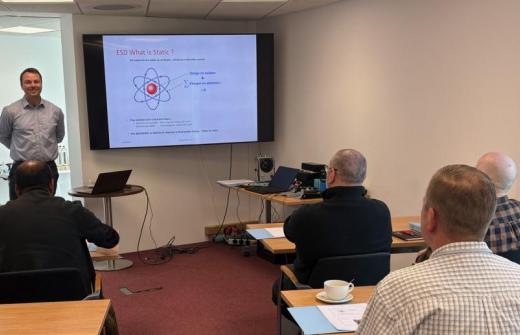
Through guided demonstrations and hands-on activities, delegates will learn how to stay organised, manage priorities and improve personal productivity using Microsoft Outlook, Microsoft To Do and Microsoft Copilot.
Delegates will explore how to create and manage tasks, convert emails into actionable follow-up activities and organise workloads using categories, flags, reminders and productivity techniques. The course also covers Outlook personalisation features that help reduce distractions, improve focus and support more effective ways of working.
Using Microsoft Copilot, delegates will learn how to identify priorities within their inbox, extract deadlines and actions from emails, plan daily workloads and manage competing commitments more effectively.
The session includes practical examples, opportunities to ask questions and techniques that can be applied immediately in everyday work scenarios.
Duration: 90 Minutes
Format: Face-to-face or Online instructor-led training
Who should attend: Microsoft 365 users who want to improve organisation, task management, personal productivity and workload planning using Outlook and Copilot.
Key topics covered:
• Task management in Outlook and Microsoft To Do
• Converting emails into tasks and follow-up actions
• Workload prioritisation using categories, flags and reminders
• Productivity and focus features in Outlook
• Using Copilot to identify priorities and deadlines
• Daily planning and workload management
• Tracking actions and commitments from email conversations
Delivery options:
Face-to-face – Delivered at your workplace or training venue
Online – Live instructor-led training delivered remotely