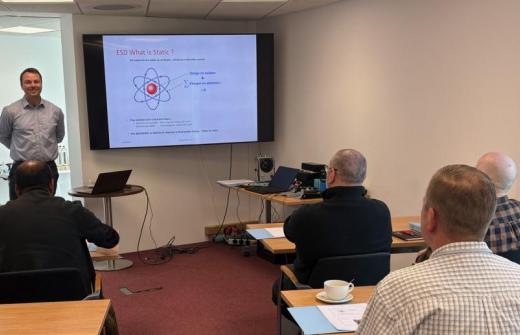
Through guided demonstrations and hands-on activities, delegates will learn how to use Microsoft Copilot more effectively to improve communication, productivity and decision-making across Microsoft 365.
Delegates will explore advanced Copilot techniques, learn how to create effective prompts and discover how to generate more accurate and useful AI responses. The course demonstrates how Copilot can support everyday workplace activities including drafting communications, summarising information, analysing content and creating business-ready outputs.
The session also explores how Microsoft Copilot works across Outlook, Teams and Microsoft 365 to connect information, improve efficiency and support better decision-making. Best practice guidance is included throughout to help delegates review AI-generated content appropriately and use Copilot responsibly in professional environments.
The session includes practical examples, opportunities to ask questions and techniques that can be applied immediately in everyday work scenarios.
Duration: 90 Minutes
Format: Face-to-face or Online instructor-led training
Who should attend: Microsoft 365 users who want to improve productivity, communication and decision-making using Microsoft Copilot and Outlook.
Key topics covered:
• Understanding Microsoft Copilot capabilities and limitations
• Writing effective prompts for better AI responses
• Using Copilot Chat to support workplace tasks
• Drafting emails and business communications with AI
• Summarising information and extracting key actions
• Working across Outlook, Teams and Microsoft 365 services
• Reviewing AI-generated content and applying best practice
• Responsible AI usage, privacy and governance considerations
Delivery options:
Face-to-face – Delivered at your workplace or training venue
Online – Live instructor-led training delivered remotely