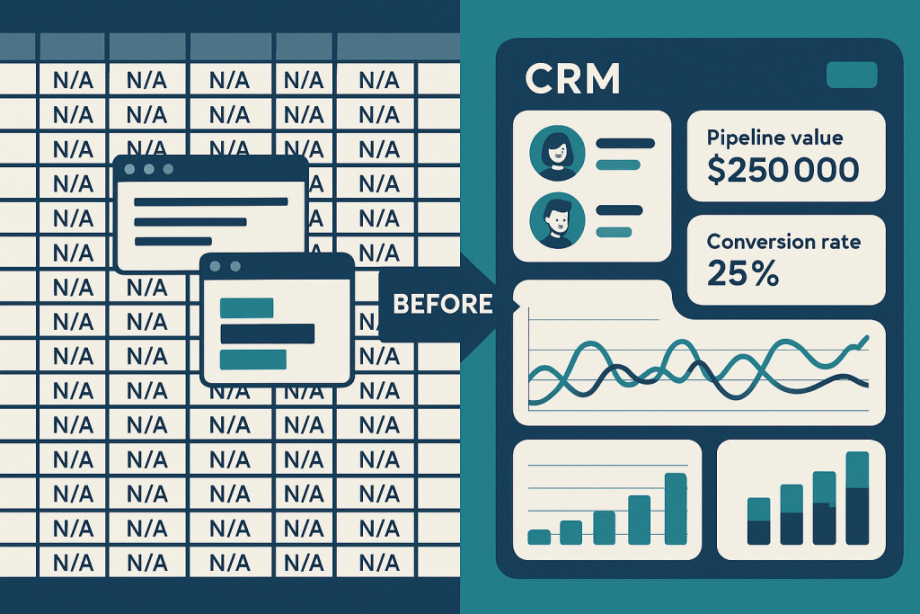
The Cost of Sticking with Spreadsheets and Outdated CRMs
Many organisations still rely on spreadsheets or legacy CRM systems that create manual workarounds, limit visibility, and hamper growth. Migrating to a modern CRM can unlock automation, real-time insights, and better customer engagement, but only if you plan carefully.
Below are two proven strategies to assess your needs and test prospective platforms in real-world conditions.
1. Take Stock of Your Must-Have Features
Before you dive into vendor demos, compile a list of core functions your team relies on every day.
Compare your current setup against this feature checklist:
- Automated workflows: call logging, lead assignment, quote generation, follow-up reminders
- Real-time data access: up-to-the-minute sales history and customer profiles
- Advanced analytics: on-demand reports covering revenue trends, pipeline health, and activity metrics
- Customer segmentation: dynamic lists based on behaviour, demographics, or purchase history
- Task management: centralised activity logs, alerts, and calendar integration
- Scalability: consistent performance as your team and data volume grow
Spot any gaps that force manual steps or workarounds. If your existing CRM can’t deliver these essentials, there are plenty of other options that could offer you far greater ROI for your efforts.
2. Benchmark Your Daily Workflows
Flashy features in demos are one thing, but can the system handle your team’s everyday tasks?
Build a simple “daily operations checklist” and run it in each trial:
- Log a customer interaction (call, meeting, note)
- Schedule a follow-up task with reminders
- Generate and send a quote to a prospect
- Execute a mail-merge or mass email from within the CRM
- Capture web leads via form integration
- Filter and export records by custom attributes
Score each trial on usability, speed, and accuracy. This hands-on testing ensures you select a CRM that performs under real-world conditions, not just in polished demos.
Partnering for Success
If the above sounds like something you'd rather not do alone, you can partner with CRM Insights to:
- Map your current processes
- Define a data-cleansing plan
- Conduct hands-on trial benchmarks
“In a sentence, CRM Insights helps us find the meaning in our data and convert it into a true business asset. Our system and their consultation are fundamental to our business.” — CEO, Made in Britain
📩 Email us at [email protected]
📅 Or book a call with one of our consultants here